by William Demas
(c) 1985, Unicorn Software
History
The game was originally named Forbidden Planet Part II, aka Forbidden City. It was released on the TRS-80 in 1981. It had speech voices but no graphics.
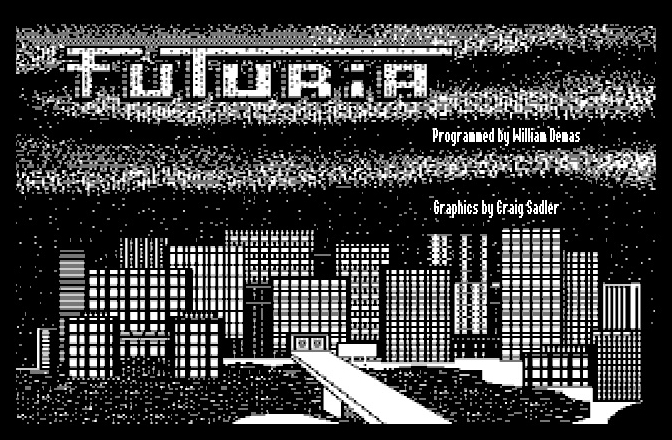
William Demas, the author, ported the game to the Macintosh 128k in 1984-1985. The added black & white graphics were drawn by Craig Sadler. They removed the speech texts. It was renamed Futuria, and was released by Unicorn Software in 1985.
William Demas also wrote a couple of Apple IIgs eduware titles for Unicorn Software.
The plot
The description on Mobygames is precise and is worth mentioning: "A timewarp in space transports you to the year 2190 and places you in a strange city called Futuria. This adventure games pits you against the Futurian Robots bent on your destruction. You must get back to your ship and escape! Along the way you'll explore 60 locations and interact with 100 unique objects."
How to play
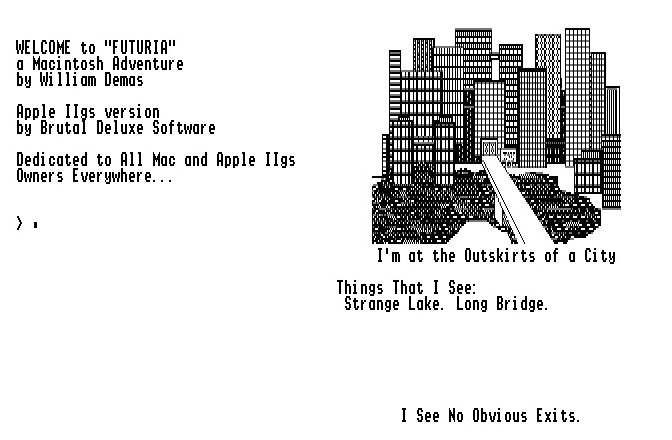
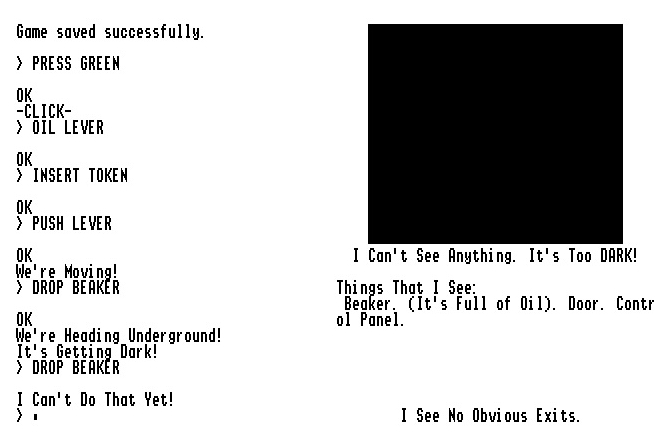
You interact with the game using the usual verb + noun sequence. The game is difficult, we recommend that you save your game regularly. If that is not sufficient, use the new CHEAT command to prevent you from dying.
Use LOAD GAME to load a previously played game, and SAVE GAME to save your current session. Type QUIT to end the game.
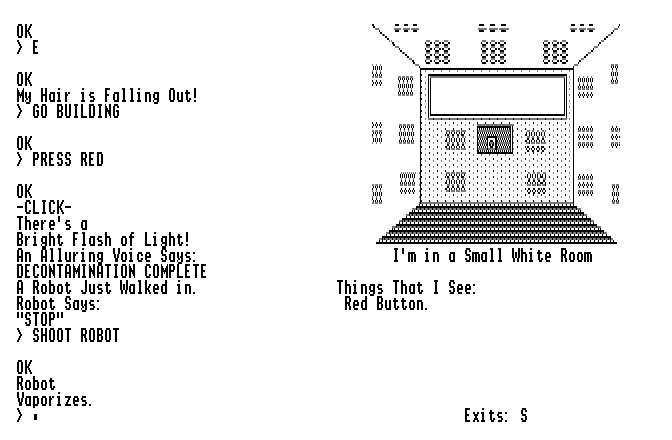
When a robot is chasing you, kill it instantly with SHOOT ROBOT.
More info
The game was ported to the Apple IIgs by human means only. Mac ResEdit gave a disassembly of the code and data. We learned 68000, commented the code, we rebuilt the data, and rewrote the full set in 65816 thanks to our cross-dev tools (Merlin32, Studio, lz4). All the assets are available on Github.
The MIDI music comes from mutopiaproject.org. The title of the song is Giacea nel proprio sangue, Cantata di Basso by A. Amendola, used under the Creative Commons Attribution-ShareAlike 3.0 license. The song was converted to MIDI Synth using Dave Tribby's software.
Useful links
- Gaming After 40: https://gamingafter40.blogspot.com/search?q=futuria
- Interview of William Demas: https://www.trs-80.com/sub-interview-bill-demas.htm
- Mobygames: https://www.mobygames.com/game/30471/futuria/
- Online 68000 tester: https://smysnk.com/m68k-interpreter

.2mg disk image (800k, EN)
Solution:
English walkthrough
Source code:
