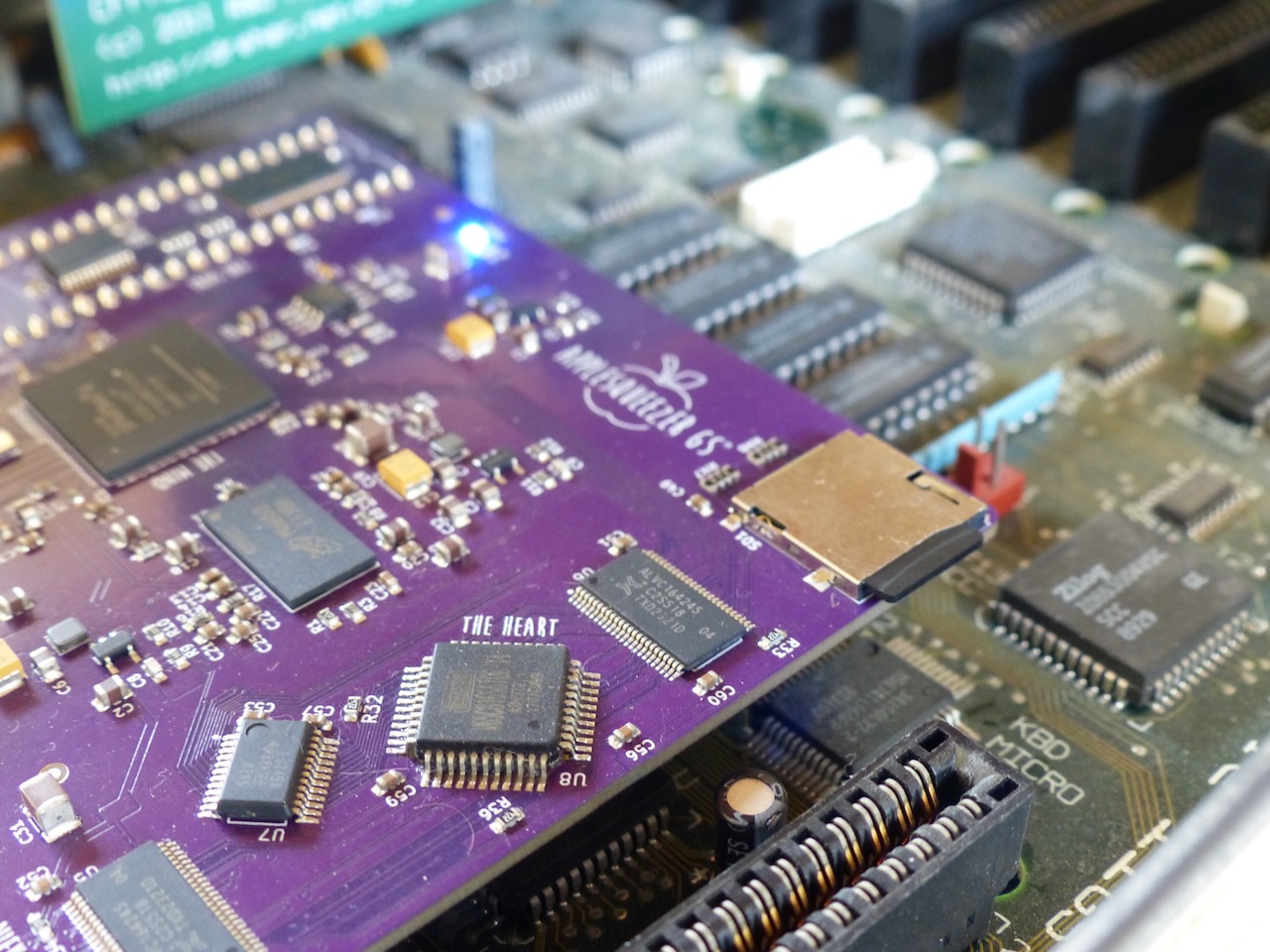
AppleSqueezer SD card port driver
Now use & boot from the SD card port of your AppleSqueezer accelerator!
What can I do with the SD card port of my AppleSquezer v2 accelerator for the Apple IIgs?
Perhaps one could set up four ProDOS partitions on a SD card and have them mounted into the Apple IIgs System Software.
With Core 14, you can boot from the SD card.
How to set up the SD Card
1/ Upgrade your AppleSqueezer v2 card to Core v14.
Get it from the Applesqueezer website. This version of the Core of the AppleSqueezer accelerator is mandatory to use if one wants to benefit from the best experience with the SD card port.
Use the Control Panel AppleSqueezer to upgrade to Core v14.
In the Slots control panel, set StartUp to Scan. Then shutdown your computer.
2/ Install the four-partition disk image onto your SD card.
Download the four-partition disk image for your SD card on our website. Then use your preferred way to install the disk image onto your SD card. Let's consider your modern computer mounts it on /dev/disk4:
	(sudo) diskutil u[n]mount /dev/disk4
	(sudo) dd if=as4p32mb.bin of=/dev/disk4 bs=512
If you are a Windows user, download Etcher at https://etcher.balena.io and perform the following steps:
- Select Image: Click Flash from file and select your as4p32mb.bin,
- Select Target: Click Select target and pick the drive that corresponds to your disk,
- Flash: Click Flash!.
3/ Install the Apple IIgs GS/OS driver.
Download the disk image with the installer from our website. Insert the disk and double-click the Installer program. Install the script. Reboot.
You are now ready to use the SD card port of your AppleSqueezer v2 accelerator.
FAQ
- Can I use it with my AppleSqueezer v1 with a SD card port?
No, that is not yet possible. Niek is looking into it. - Can I boot from the SD card?
Yes, the first active ProDOS partition will be used to boot from. - How do I boot from the SD card?
Enter the Slots control panel and set StartUp to Scan. - I boot from a different device and get a 5.25" disk icon
Install the latest version of the ASSDDriver in the */System/Drivers/ folder of your other boot disks. - Can I mount disk images like other disk interfaces (CFFA, Booti, etc.)?
Not yet. One step at a time. But it behaves the way when you put partitions on a Compact Flash in the CFFA card, and Ciderpress was able to read and save such partitions. - What kind of partition model do you use?
This is a standard MS-DOS partition map. Note that the partition ID used for the ProDOS partitions is $20, a value that is reserved but not used. - Can I use other partitions than a ProDOS one?
Yes, for sure. You have two options:- the SD card has no partition map but a file system starting at block 0,
- the SD card has up to four partitions with or without file systems on it. The empty ones are skipeed.
- Can I read, write, and format?
Yes, for sure. - Is it a stable driver?
Yes, it seems to be. Please provide feedback either positive or negative. - Is it a stable driver?
Yes, no SD card was hurt during writing and testing. - Does it work with all SD card brands?
At least with two: Sandisk, and Nokia.
The weird icon problem
- Some users report a double problem:
- The boot icon matches a 5.25" disk icon
- The Finder tells there is a duplicate volume
- Why does it happen?
- You upgraded to Core 14
- And you put the 4-partition image on the SD card
- But you boot from another System disk that does not have the latest version of the ASSDDriver
- v13 of the driver does not know about the ROMDISK boot driver...
- ...whereas v14 knows about it and avoids mounting the disk image twice.
- How to fix?
- Mount the asdd.po disk image
- Launch the Installer
- Update the drive on your current System boot disk
- And reboot :-)
Minimum system requirements
The program requires at least 10KB of free memory.
It has been tested on Apple IIgs ROM 01 & ROM 3 versions.
It is compatible with System 6.x and above.
Download:

4-P8 partitions System 6.0.4 & 1-512MB HFS partition & Disk image (561k, v1)
4-P8 partitions & Disk image (561k, v0.9)